QFlow.ai Integration Setup: HubSpot CRM
Published October 3, 2026
Requirements
In order to integrate QFlow.ai with this HubSpot app, you will need:
- An active QFlow.ai account (either paid or trial)
- An active HubSpot account with access to CRM features
- Test or live data across your HubSpot CRM account
If you do not have a QFlow.ai account, you can create one for free here).
QFlow (CRM Integration) is available on the app marketplace and can be installed from within your QFlow.ai account.
- Log in to QFlow.ai here
- Go to your QFlow CRM connection page
- Select HubSpot when prompted "Which CRM do you use?"
- Click the orange "Connect" button
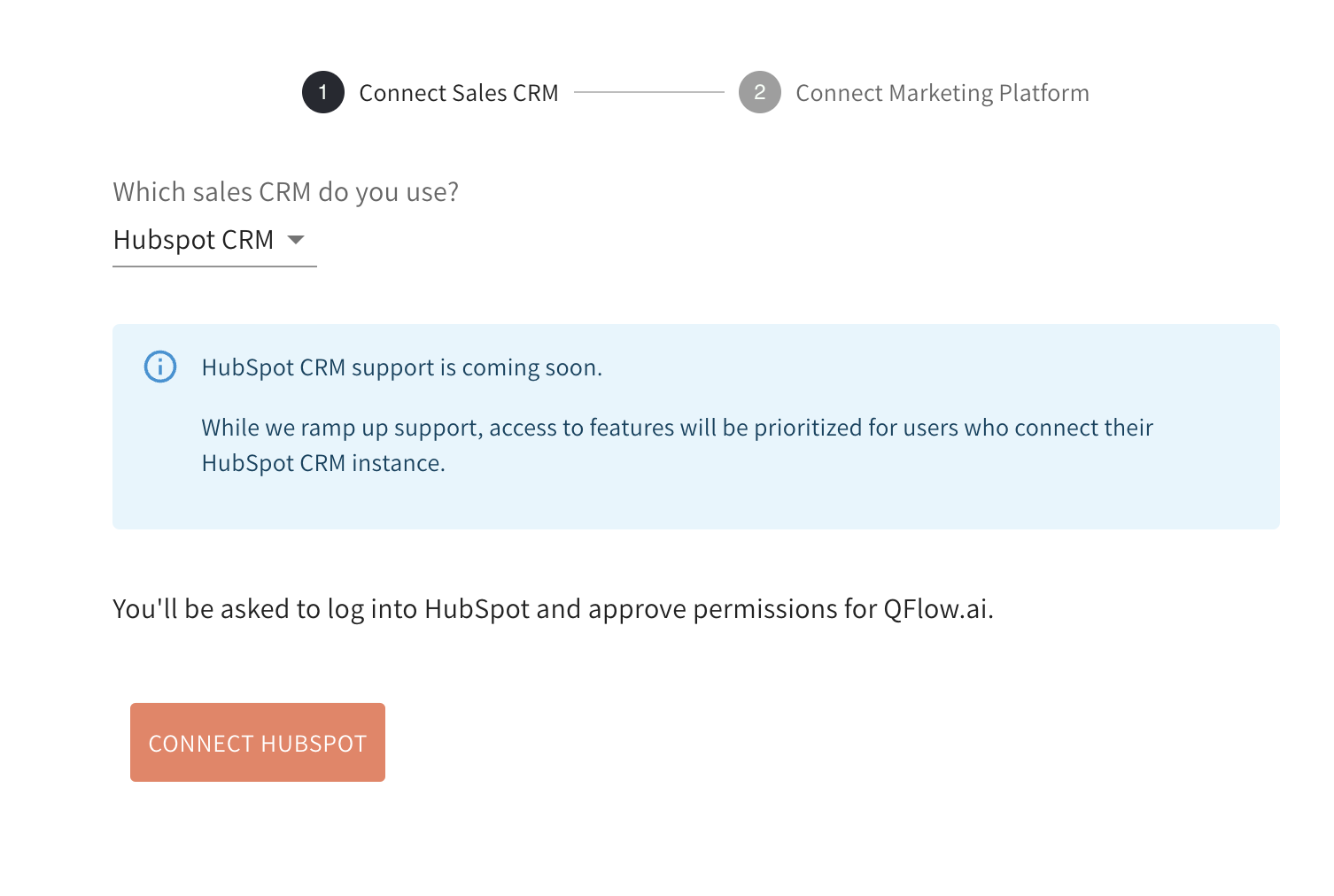
- This will open the HubSpot Login page. Login with your HubSpot Administrator account.
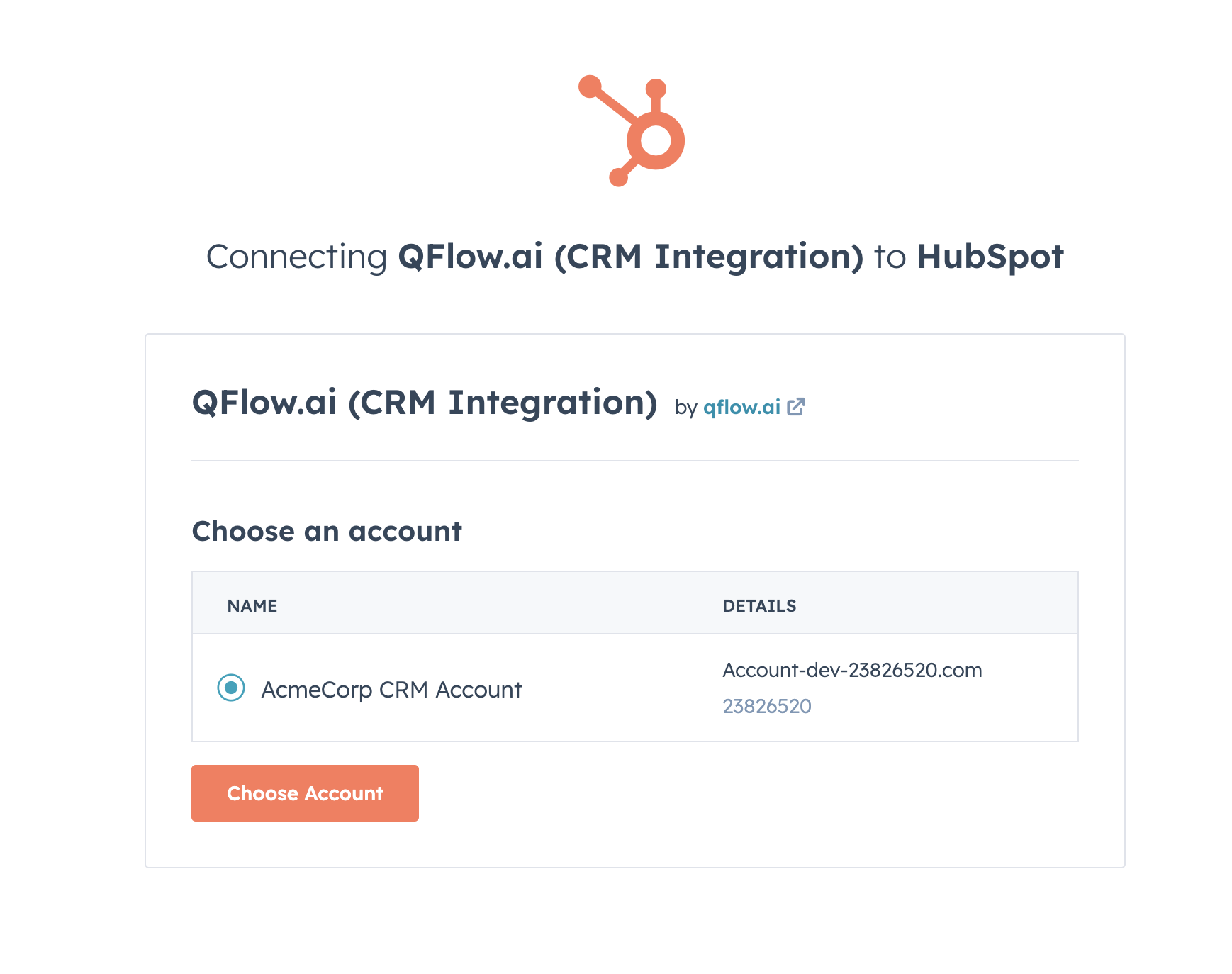
- Click the Connect app button to finish the installation
Once the initial analysis is complete, you will be re-directed to the first of six steps for configuration. The entire process should take about 20 minutes of your effort. If you are not redirected automatically, you can access the configuration pages here.
Click through each of the guided steps to complete setup.
Tip: click the Apply suggestions button where you see it in this six-step process:
- Define ARR
- Map Opportunity (Deal) Types
- Define Active Pipeline
- Identify Buyer Roles
- Describe Programs
- Map Teams
Once you have completed configuration, QFlow.ai views will begin to populate within 1 hour.